
Creating your Apex Trader Funding account is the first step toward participating in evaluations and performance accounts. Follow the steps below to ensure your account is set up correctly and without delays.
Step 1: Visit the Apex Trader Funding Website
Go to the official Apex Trader Funding website and select Sign Up or Get Started from the homepage.
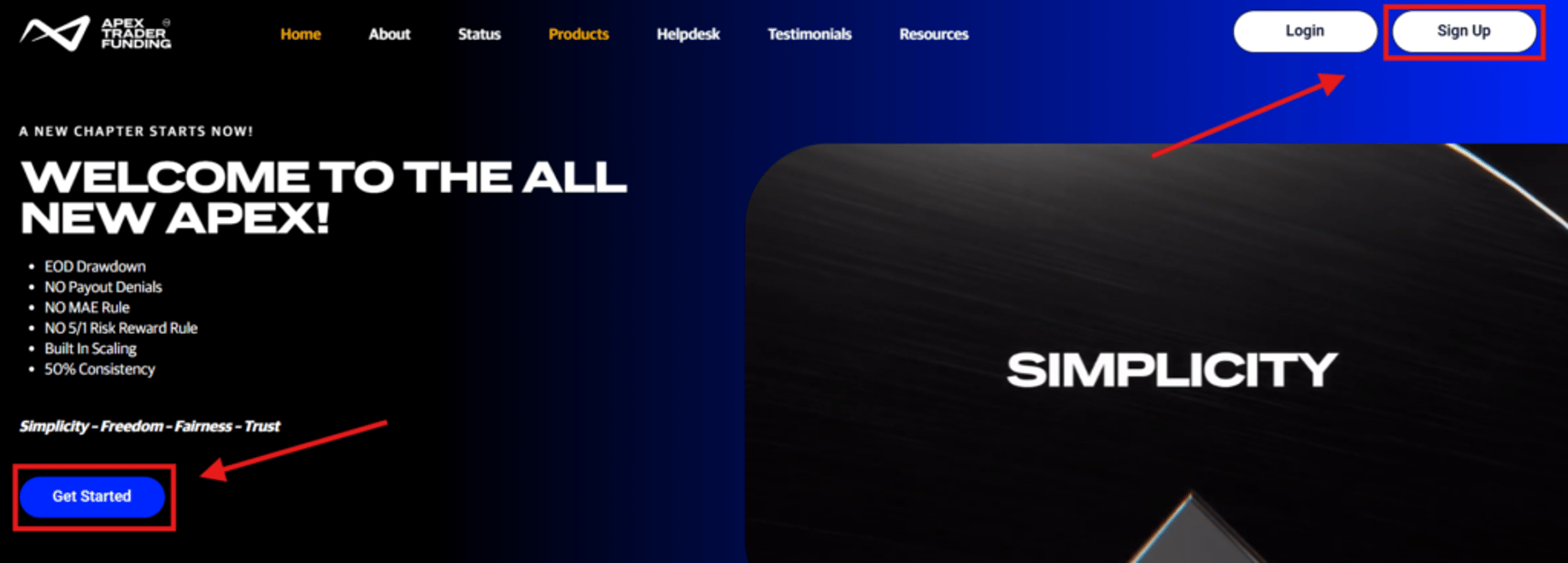
Step 2: Choose your Preferred Account type
You will be prompted to choose from multiple account configurations to select the one that best fits your needs.
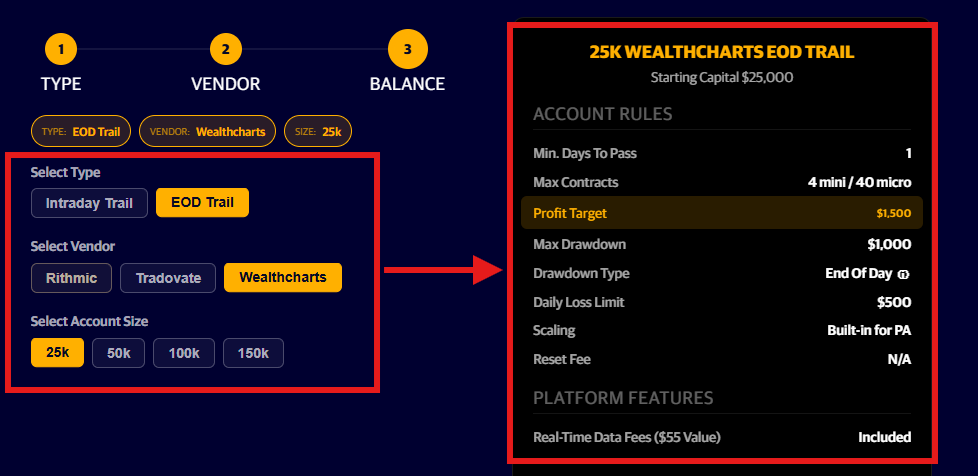
First, select the drawdown type: Intraday Trailing drawdown or EOD (End Of Day) Trailing drawdown:
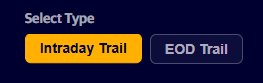
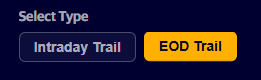
Next, select from the available platforms:
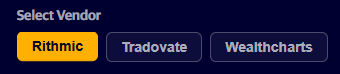
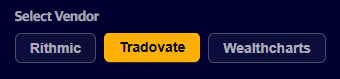
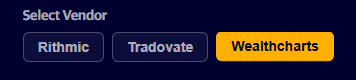
Finally, select the account size:
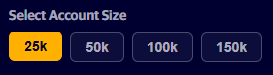
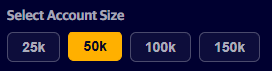
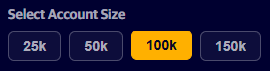
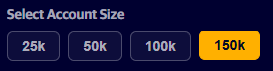
As you click on the different available options, the summary to the right will update according to your selections:
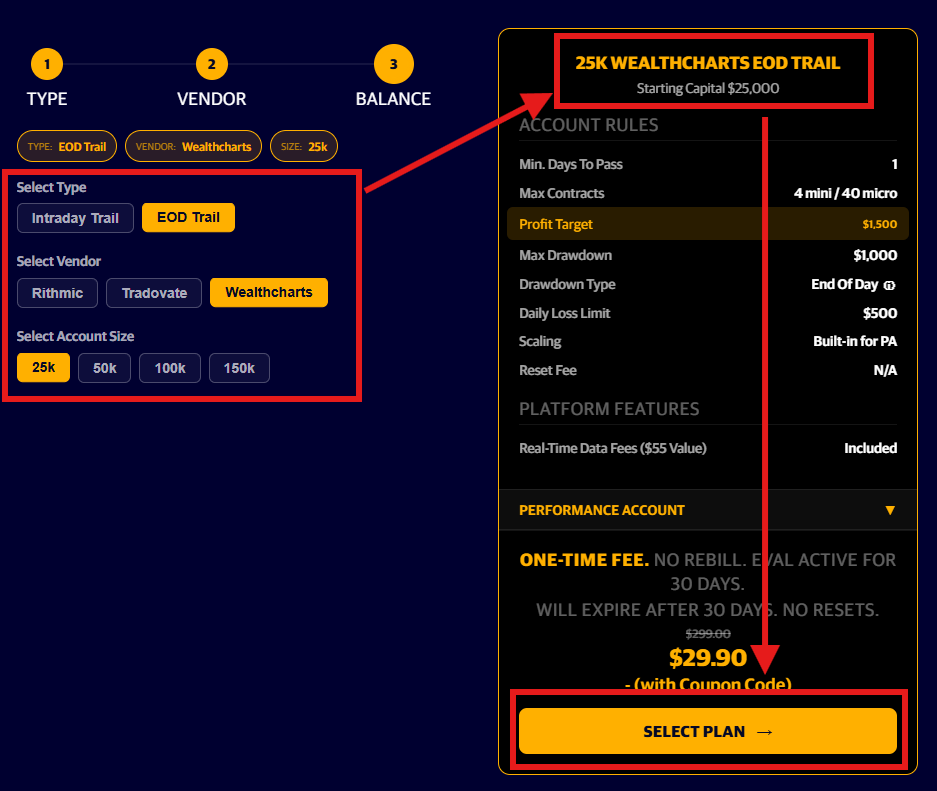
After making your selections, confirm you have chosen the preferred drawdown type, on the preferred platform, and the correct account size, click on Select Plan to complete the sign-up details:
Step 3: Complete the Sign Up Details
After selecting your account type, please choose your country from the dropdown menu and enter your sign-up details to begin creating your account.
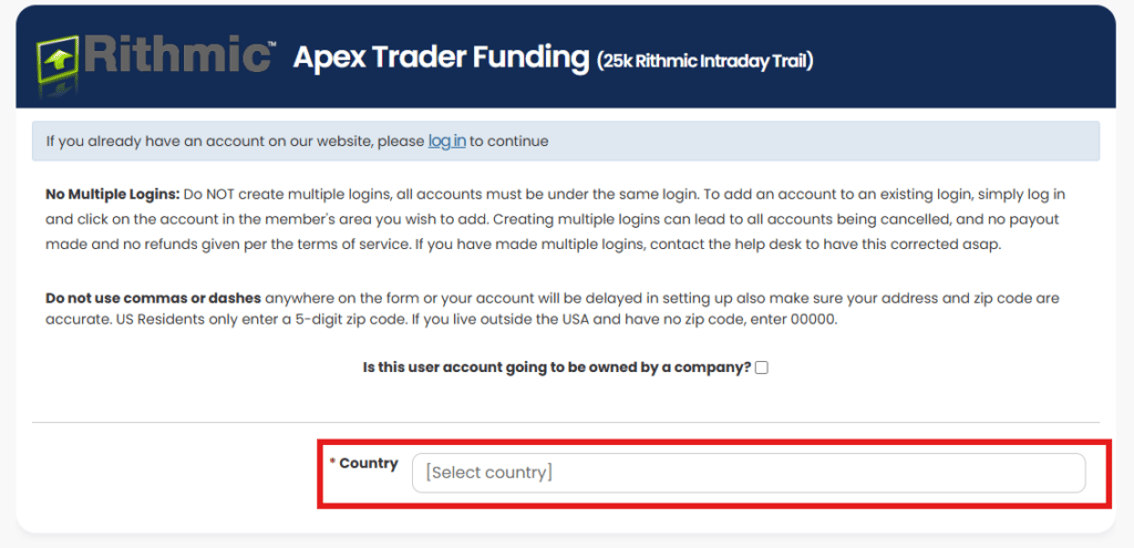
For information on opening a user account that will be owned by a company, please visit: Registering as a Person or Business
Step 4: Checkout Page
Once your account has been created, confirm you have chosen the preferred account type and complete the checkout process to purchase your new account.
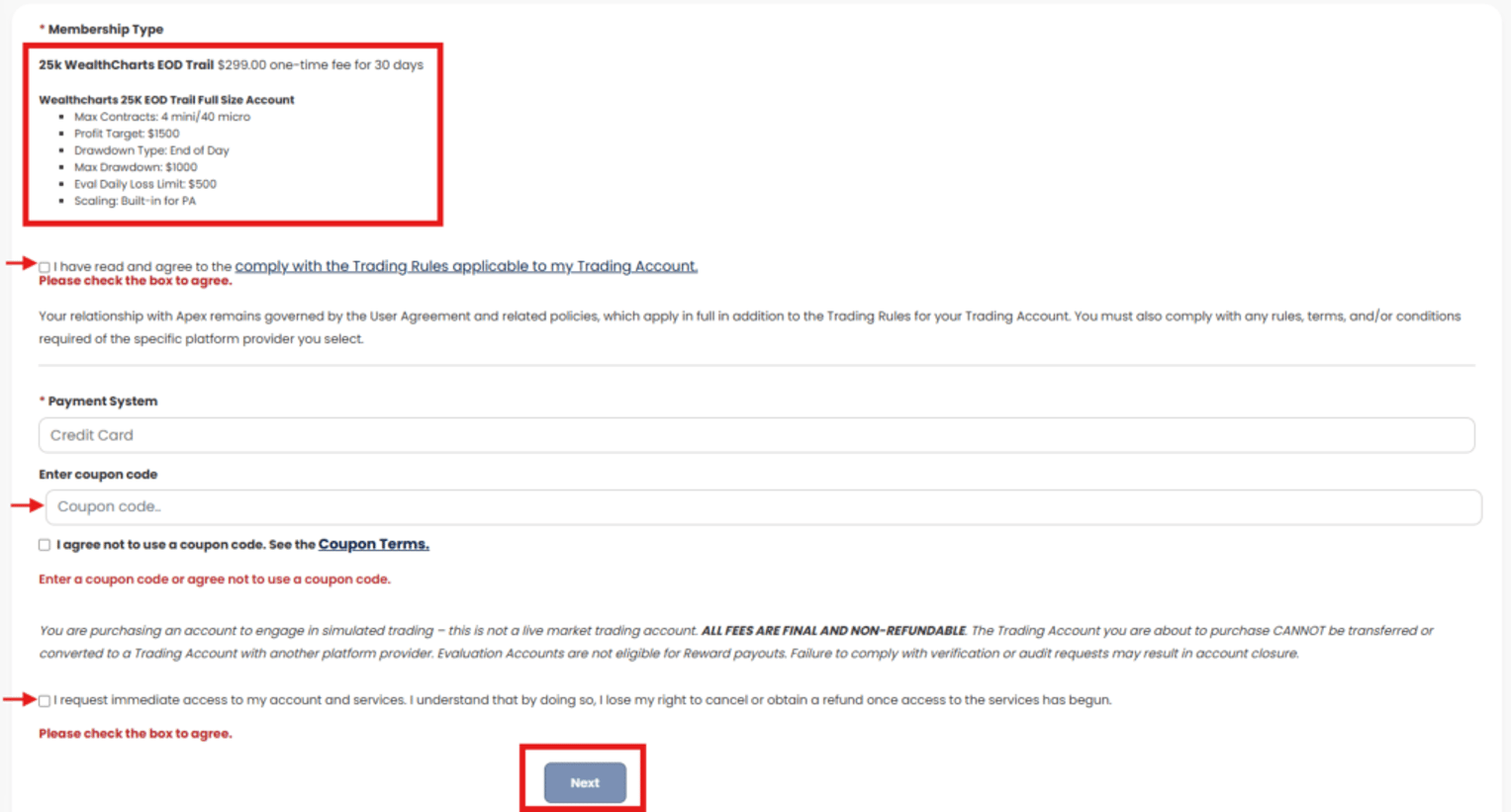
Step 5: Account Created
Your account should be created succesfully, thank you for joining us! If you need any help with the sign-up process, please contact Apex Trader Funding Support for assistance here.
Trading Platform Login & Setup
If you’re still deciding which trading platform best suits your needs, take a moment to read Choosing The Right Platform before making your selection.
After you’ve purchased your first Apex trading account, you’ll need to log in to your chosen platform for the first time. Use the links below for step‑by‑step guidance specific to each platform:
Logging into Rithmic for the first time
Logging into Tradovate for the first time
Logging into WealthCharts for the first time
For additional details on platform compatibility, setup instructions, and connection guides, see the Platform Setup & Guides section in the Knowledge Base.
Important Information:
Only one Apex user profile is allowed per individual.
Account sharing is not permitted.
Always ensure your personal information matches your identity document.
Traders need to be 18 years or older to sign up.
Traders from some countries may not be allowed. Please review our Restricted Countries list