
We have moved to a new helpdesk platform to improve the support experience and make it easier for you to submit, track, and manage your tickets.
Zendesk has been discontinued and should no longer be used to create new support requests.
New Helpdesk Portal
Going forward, all new support tickets must be submitted through our new helpdesk portal:
https://helpdesk.apextraderfunding.com
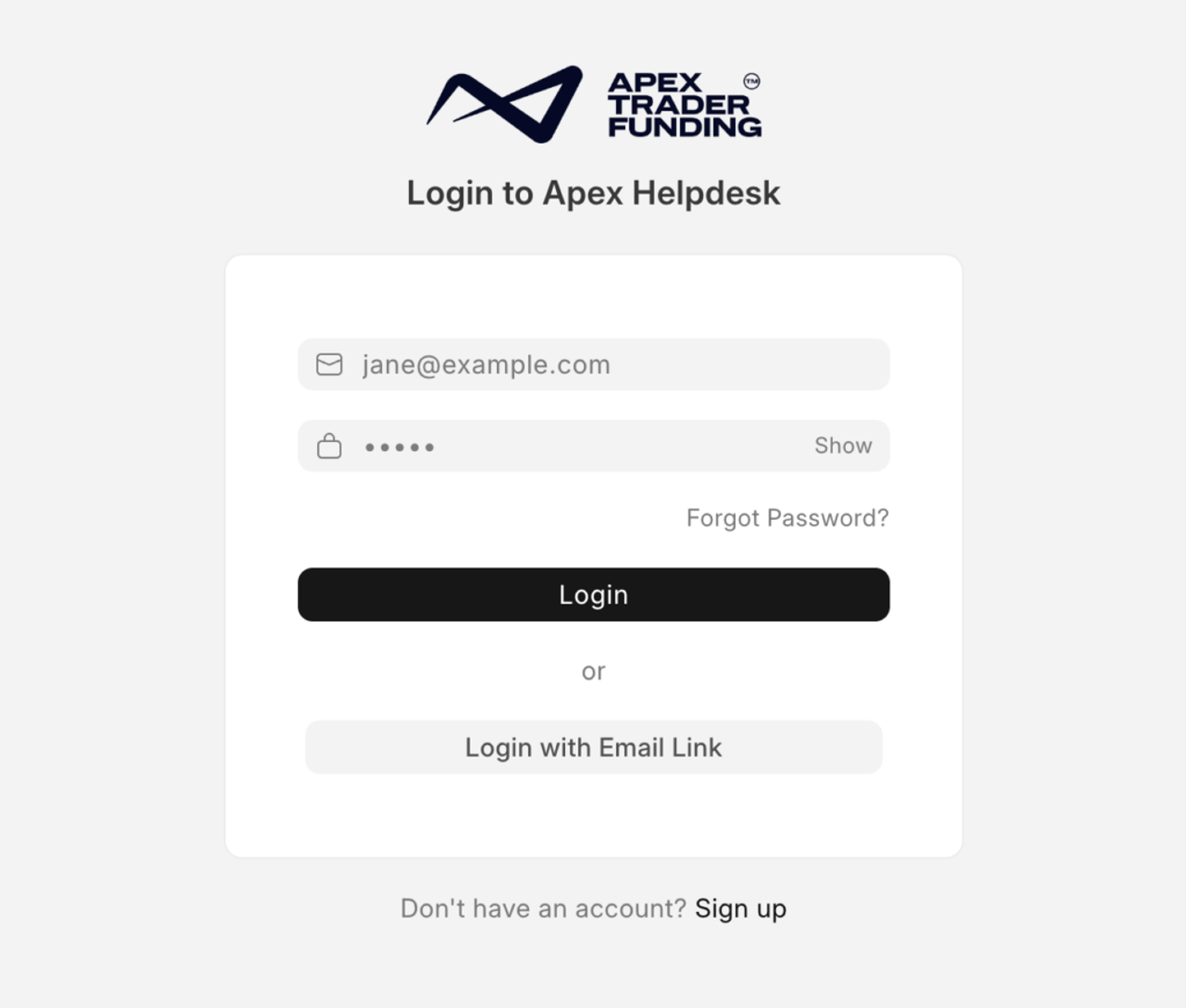
Through the portal, you can create new tickets, view your existing requests, and track updates from our Support team.
What Happens to My Old Tickets?
Your historical tickets are not lost.
Any previous tickets you had with Apex Support are available in the new helpdesk system. If you already have an open request, our team will continue handling it, and you will receive an update on that same email thread shortly.
How to Access the New Helpdesk
Option 1: You previously contacted Apex Support or used Zendesk
If you previously contacted Apex Support or had an Apex Zendesk Helpdesk account, your account already exists in the new helpdesk.
We have reset passwords for existing users. Please locate the email containing your new password, then log in using the same email address you used to contact Apex Support before.
If you cannot find the password email, go to the new helpdesk portal and select Reset Password using the same email address.
Option 2: You are submitting a ticket for the first time
If this is your first time contacting Apex Support through the new helpdesk, please sign up through the portal.
https://helpdesk.apextraderfunding.com
Once your account is created, you can submit a new ticket and track your requests.
Where to View Your Tickets
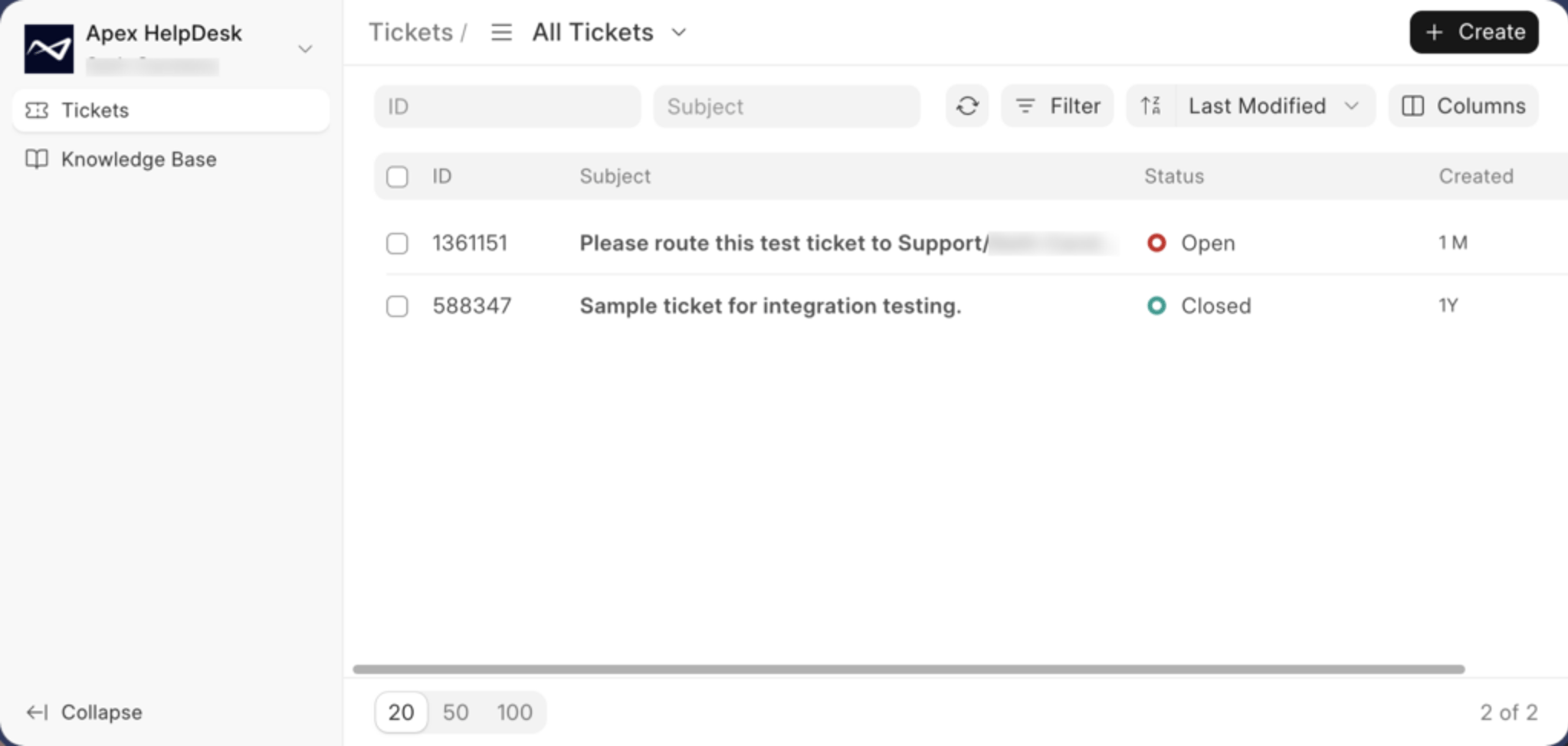
After logging in to the new helpdesk portal, you will be able to see your submitted tickets and any updates from our Support team.
Look for the ticket list or request history section inside the portal.
Important Reminder
Please do not create new tickets in Zendesk. Zendesk has been discontinued, and new requests submitted there may not be received or handled.
For all future support requests, use the new helpdesk portal: