
If you receive an error message stating that only one invoice can be active at a time when attempting to make a purchase, you must cancel the existing pending invoice before proceeding.
How to cancel the pending checkout:
- Click Review Current Invoice.
- Select Cancel Checkout.

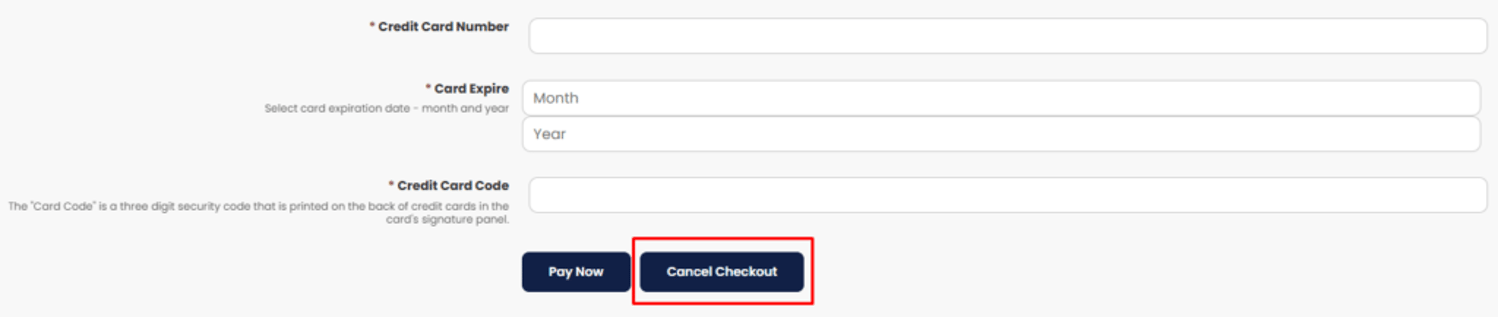
Once the pending invoice is canceled, you will be able to proceed with a new purchase.